Business Text Messaging FAQ
What is business text messaging?
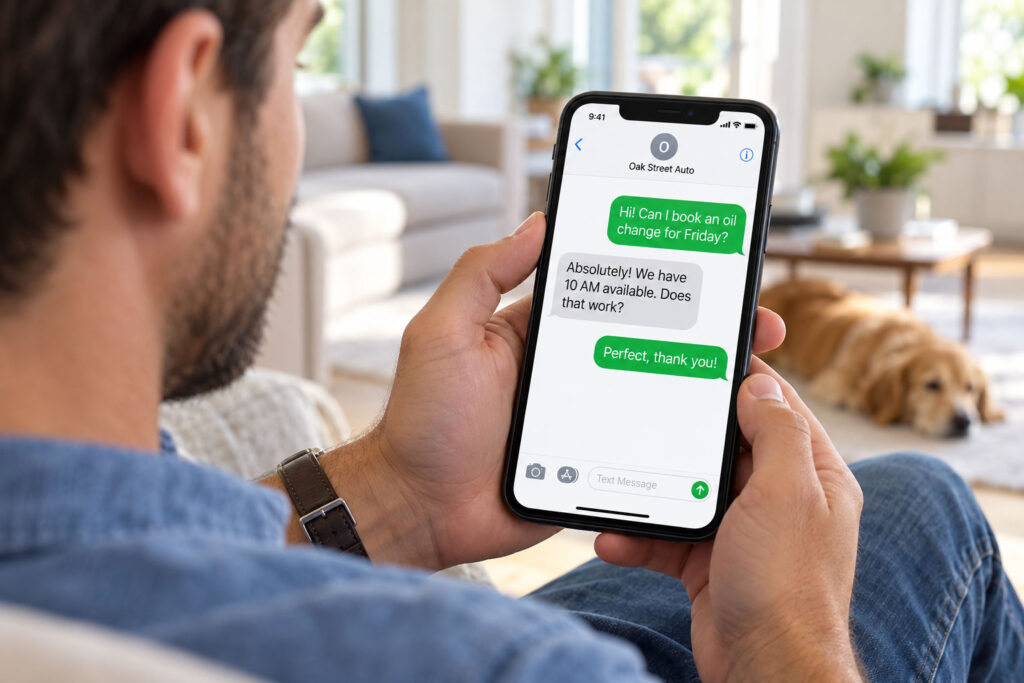
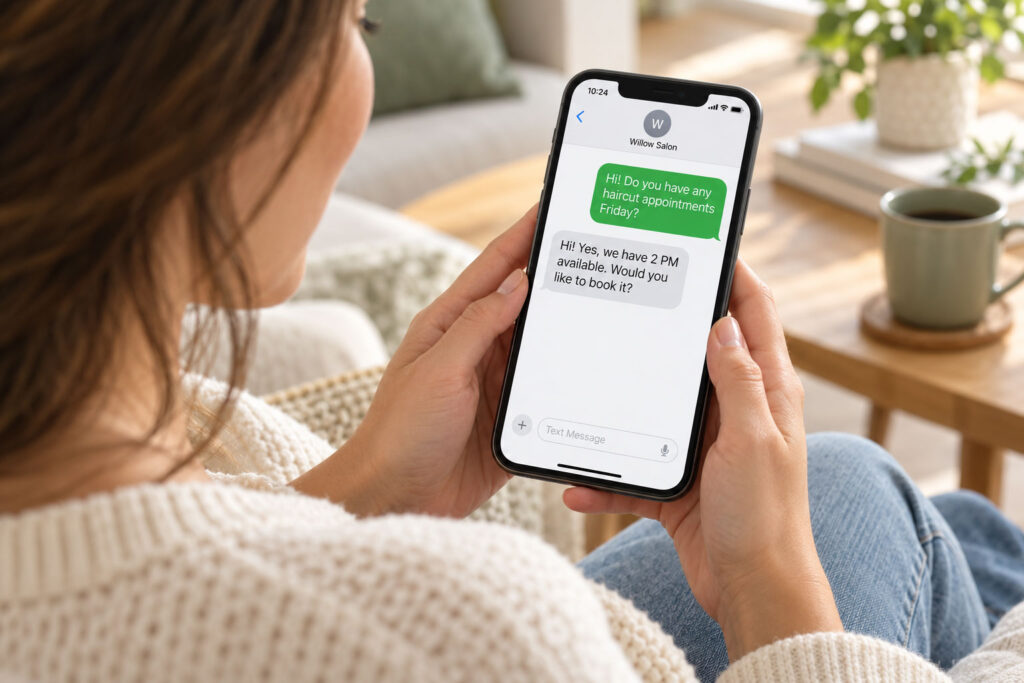
Business text messaging allows an organization to send and receive SMS messages through an eligible business number. It provides a professional alternative to employees using their personal mobile numbers for customer communication.
Can customers reply to our messages?
Yes. Two-way business texting allows customers and authorized employees to exchange messages through the supported messaging service.
Can we use our existing business phone number?
Some existing business numbers may be eligible for text messaging. VoIPX reviews the number and selected service to determine compatibility and availability.
Can I text from multiple numbers on one account?
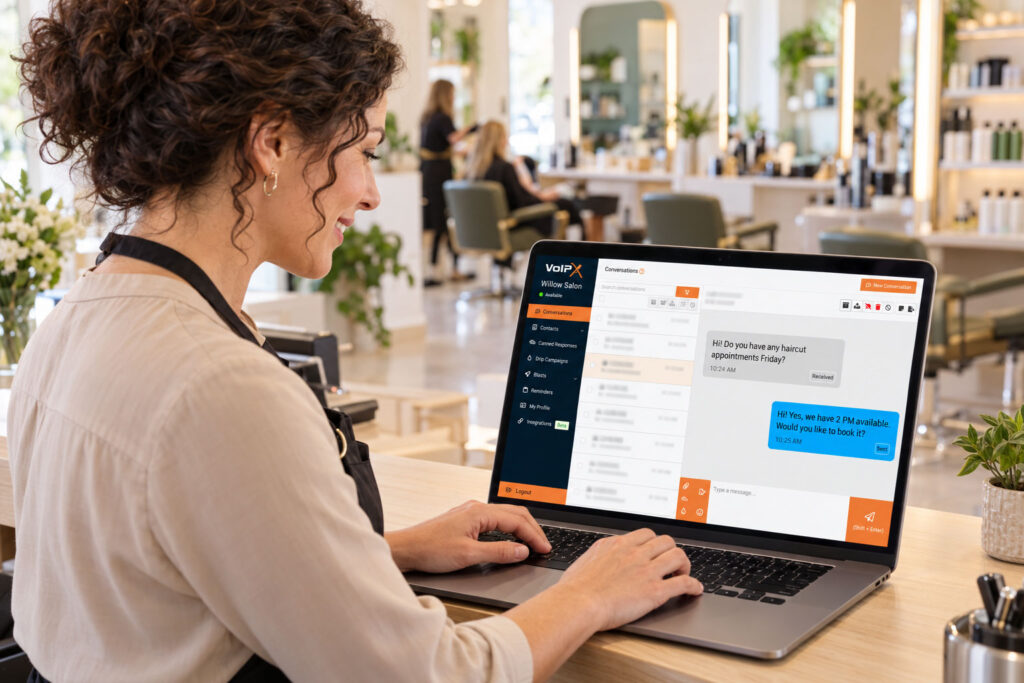
Yes. VoIPX Text includes a toggle switch that lets you send messages from different numbers, each managed as its own profile within the same account.
Can we share numbers with multiple employees?
Yes. Multiple employees can send messages from the same business number using their own individual accounts. Customers only see your business number, while internally your team can see which employee sent each message — giving you shared numbers with full accountability.
Does enabling texting affect voice calls?
Text messaging can often be added to an eligible number without changing its existing voice service. VoIPX verifies the number and configuration before implementation.
Can employees text from their personal phones?
Yes. VoIPX business texting supports iPhone, Android, Mac, and PC, so employees can text from their personal device without exposing their personal number.
Can we send appointment confirmations and updates?
Yes. Business text messaging can support individual confirmations, scheduling details and relevant updates when the recipient has provided appropriate permission.
Is business texting the same as text message marketing?
No. Business text messaging focuses on individual customer conversations. Text message marketing is designed for promotional campaigns, subscriber lists, scheduled blasts and automated sequences.
What is 10DLC and why does it matter?
10DLC (10-Digit Long Code) is the wireless carriers’ required registration process for businesses sending text messages from a standard business number. Carriers use it to verify your business and reduce spam, and registration is required before business text messaging can go live. VoIPX handles this registration on your behalf.
Who is The Campaign Registry?
The Campaign Registry (TCR) is the independent organization that reviews and approves 10DLC brand and campaign registrations on behalf of the wireless carriers. Your business and messaging use case must be registered and approved through TCR before business text messaging can go live.
What changes do I need to make to my website?
Carriers require specific disclosure language on the form you use to collect consent for texting, typically including your business name, message purpose, frequency, a “message and data rates may apply” notice, opt-out instructions (reply STOP), help instructions (reply HELP), and a statement that phone numbers won’t be sold or shared with third parties for marketing. VoIPX will review your site and provide the exact language needed for your registration.
What if I don't plan to text people who submit my website contact form?
It doesn’t usually matter. In our experience, The Campaign Registry reviews your entire website during registration, and campaigns are often declined if any form collecting a phone number lacks the required disclosure language — even if that form isn’t your designated opt-in source. VoIPX will review your site and let you know what needs to be updated.
Can VoIPX help make those website changes?
VoIPX does not make website changes directly, but we can refer you to a trusted partner who can implement the required language on your behalf.
Are there consent requirements for business texting?
Yes. Businesses must obtain appropriate permission, clearly identify themselves in messages, respect opt-out requests, and comply with applicable laws, carrier requirements and messaging policies.
Is business text messaging managed by VoIPX?
Yes. VoIPX helps configure and support the messaging service around eligible business numbers, authorized users and your communication requirements.