
VoIPX Mobile Apps
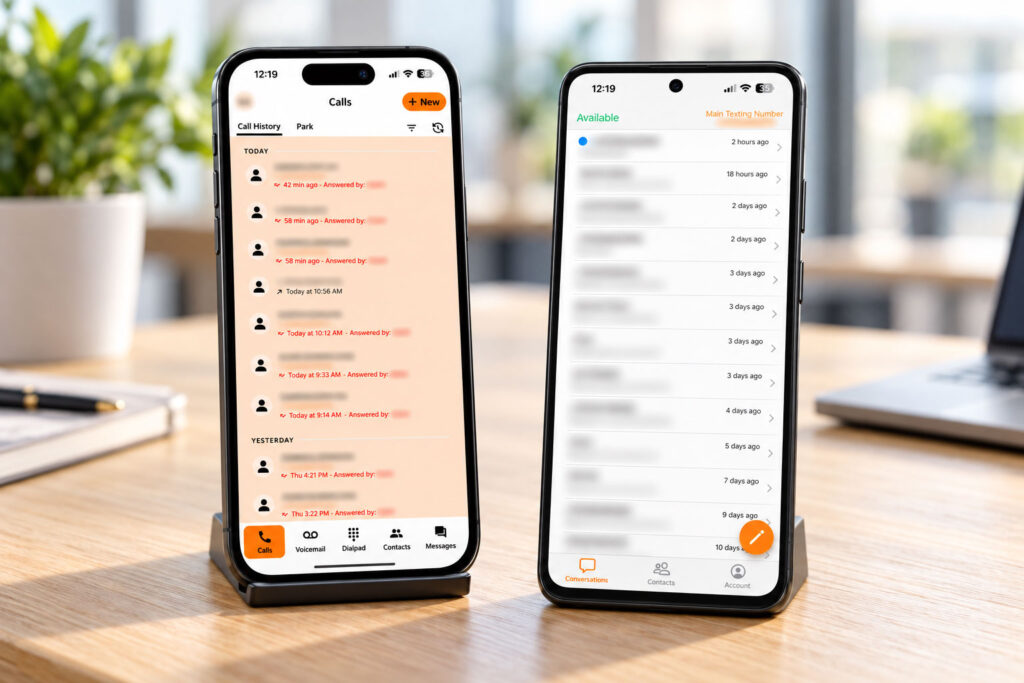
Business calls and text messages from your mobile device.
VoIPX offers dedicated apps for two everyday communication needs: UC Connect for phone calls and the VoIPX SMS app for text messaging. Give your employees access to the tools they need to stay connected beyond their desks.
VoIPX Mobile Apps for Business
Connect UC - Your Business Calls. On Your Mobile Device.
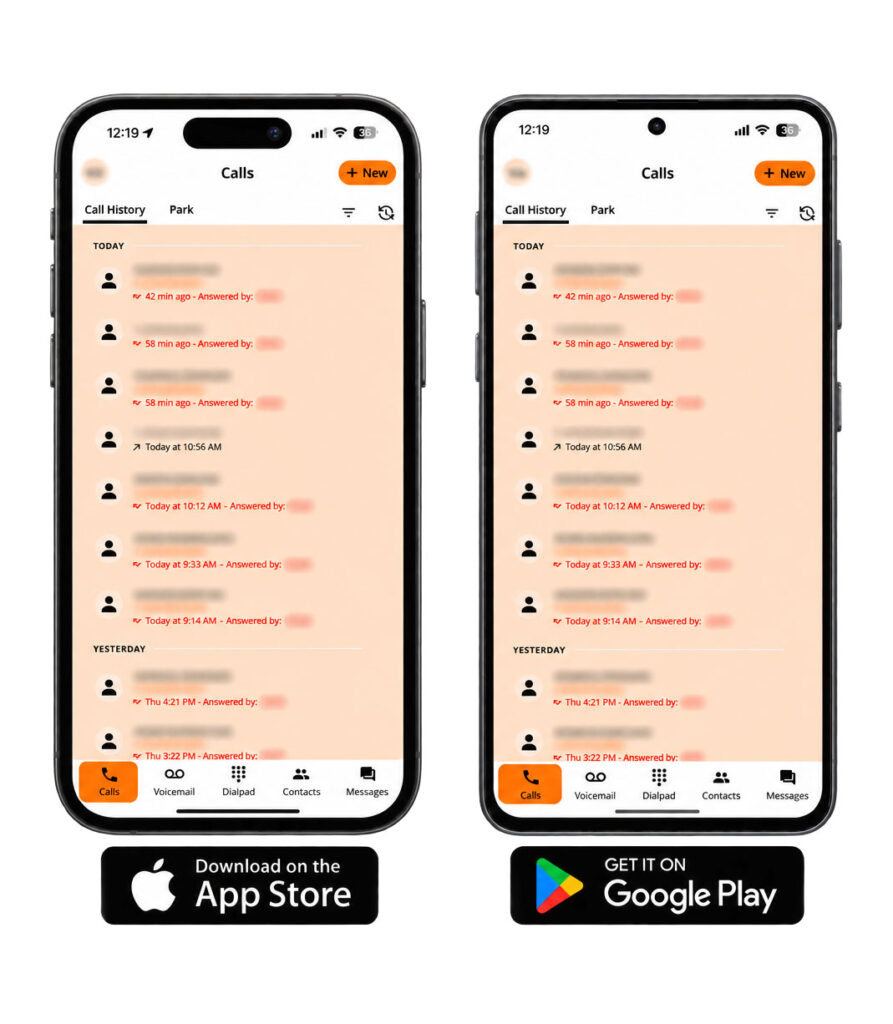
UC Connect brings VoIPX business calling to your mobile device, giving you a way to make and receive work calls when you’re away from your desk phone.
Whether you’re working remotely, moving between locations, or stepping out of the office, UC Connect helps you stay reachable through your configured VoIPX account.
Key Features
- Making and receiving business phone calls
- Staying connected when you’re away from your desk
- Supporting employees who work remotely or across locations
- Accessing mobile calling as part of your VoIPX setup
VoIPX helps configure your account and call routing so mobile calling fits the way your business operates.
Ideal for: Business owners, remote employees, and team members who need to handle calls away from the office.
VoIPX Text - Business Text Messaging. Within Reach.
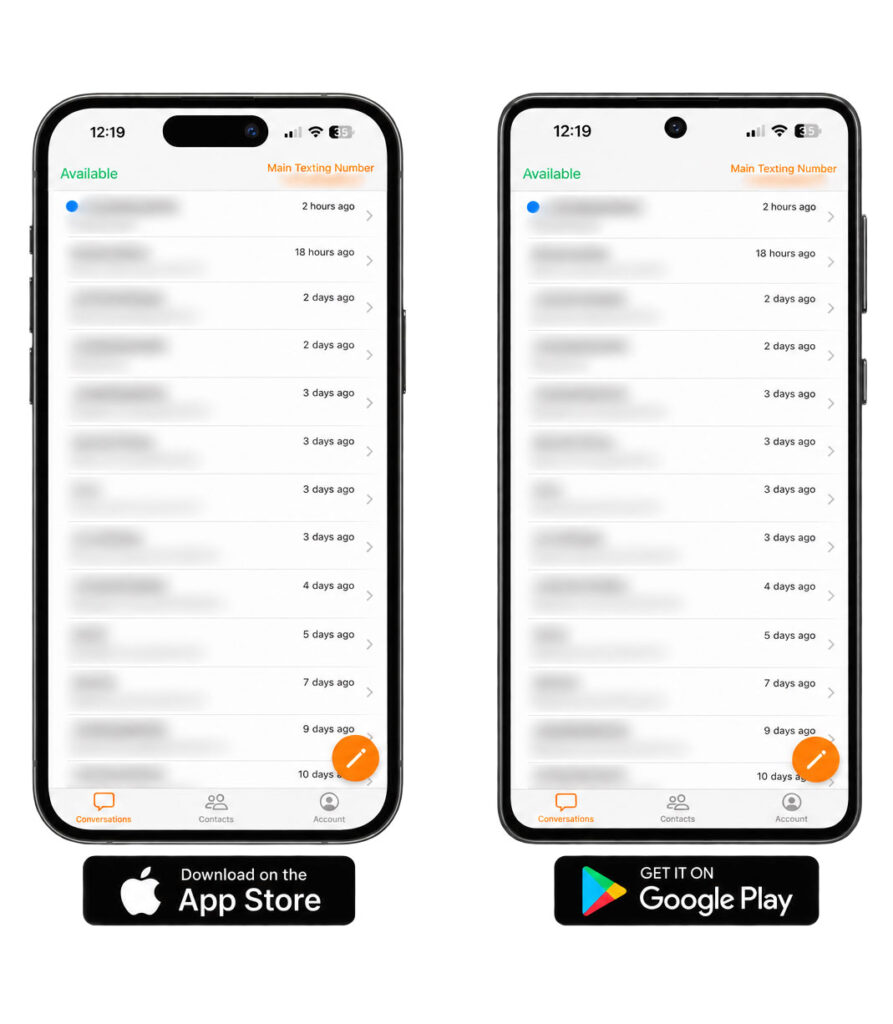
The VoIPX SMS app gives your team a dedicated way to send and receive business text messages from a mobile device.
Use it for direct customer conversations, appointment coordination, and everyday follow-ups when a text message is the practical way to communicate.
Key Features
- Sending and receiving business text messages
- Responding to customer questions
- Coordinating appointments and scheduling details
- Following up on ongoing conversations
- Handling business messaging while away from your desk
VoIPX helps confirm text-messaging availability for your account and set up the app for your business.
Ideal for: Employees who communicate with customers by text and need access to those conversations throughout the workday.
Set Up Around Your Business
Choose Your Communication Tools
Equip employees with calling, text messaging, or both, based on their responsibilities and how they communicate with customers.
Configure Your Account
VOIPX helps with the account setup and supported settings needed to connect each app to your business services.
Get Help When You Need It
Our team helps employees get started and answers questions about using the apps with your VoIPX account.
VoIPX Mobile App FAQs
What are the VoIPX mobile apps?
VoIPX offers UC Connect for mobile business phone calls and the VoIPX SMS app for business text messaging. Each app serves a separate communication need.
Which app do I use to make phone calls?
Use UC Connect to make and receive business phone calls through your configured VoIPX account.
Which app do I use for business text messages?
Use the VoIPX SMS app to send and receive business text messages. Text-messaging service must be available and configured for your account.
Do I need both apps?
You only need the app or apps that match your work. Employees who handle calls use UC Connect, employees who handle text messages use VoIPX SMS, and employees who do both can use both apps.
Can I use UC Connect alongside my desk phone?
UC Connect can be included in your business calling setup alongside your desk phone. VOIPX helps configure how incoming calls reach your devices.
Do these apps require a VoIPX account?
The apps are intended for use with configured VoIPX services. Contact VOIPX to confirm access and setup requirements for your account.
Is the VoIPX SMS app the same as text message marketing?
This page focuses on sending and receiving business text messages. For promotional campaigns and marketing messages, explore our Text Message Marketing service.
How do I get started?
Contact VOIPX to confirm the apps and services your employees need. Our team will provide the appropriate download instructions and help with account setup.
Take Your Business Communication With You
Give your team mobile access to business calling and text messaging, configured around how you work.